
A few different moments send you a "confirmation" style email. If one hasn't shown up, here's what's actually sent and what to check - the most common case by far is the sign-up verification code, so that's covered in detail below.
The emails we send
- Verification code - sent the moment you sign up, to confirm the address is yours.
- Payment receipt - sent right after checkout, with a copy of your invoice.
- Welcome email - sent once your subscription becomes active.
- Password reset link - sent when you request one from Forgot password.
- Domain verified / Brand Account ready - sent once a sending domain's DNS checks pass.
If your verification code hasn't arrived
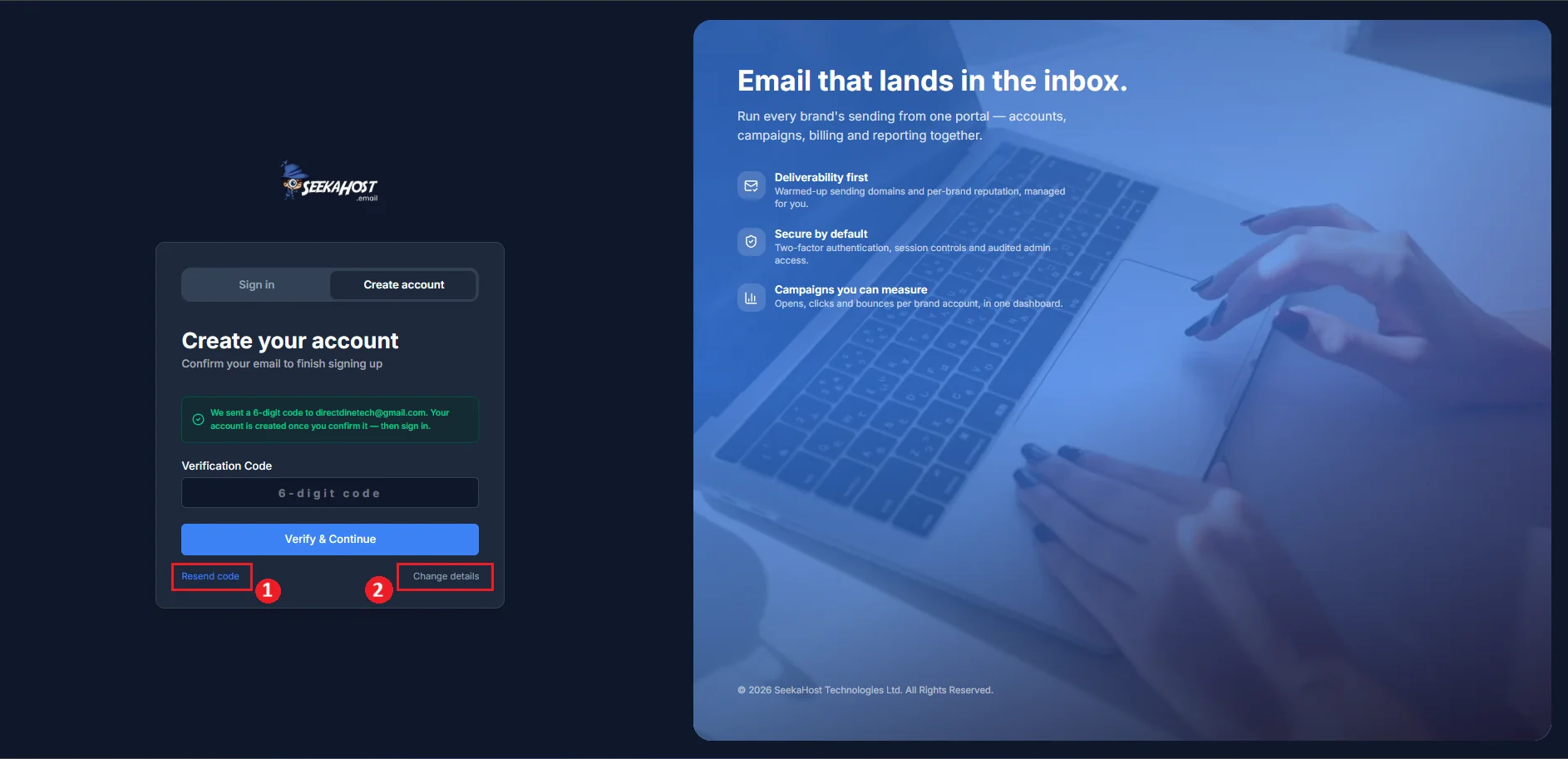
A few things to know about the sign-up code specifically:
- It expires 10 minutes after it's sent - request a new one if too much time has passed.
- Entering the wrong code 5 times invalidates it; you'll need a fresh one.
- Resends aren't limited by a cooldown timer, but you're capped at 5 codes per hour in total (this includes your original sign-up).
- Typed your email wrong? Use Change details on the verification screen to correct it and get a new code sent to the right address.
Why emails land in spam or go missing
Our emails are sent from billing@seekahost.email, shown as "SeekaHost Email" in your inbox - worth checking your spam or junk folder for that sender, and marking it as not spam if you find it there. If it's genuinely not arriving after a few minutes and a resend, double-check the email address you signed up with for a typo.
Already got your code and just need the entry screen? How to verify your email address →