There are two ways to reach us, depending on what you need. If you already have an account and want to track an ongoing issue - with attachments and status updates - raise a support ticket from your portal instead. For everything else, including before you've even signed up, the Contact page is the quickest way to reach a real person.
The Contact page
You don't need an account to use it - it's a public page, linked as "Contact" in the site header and "Contact us" in the footer. It's the right place for sales questions, general enquiries, or anything before you've created an account.
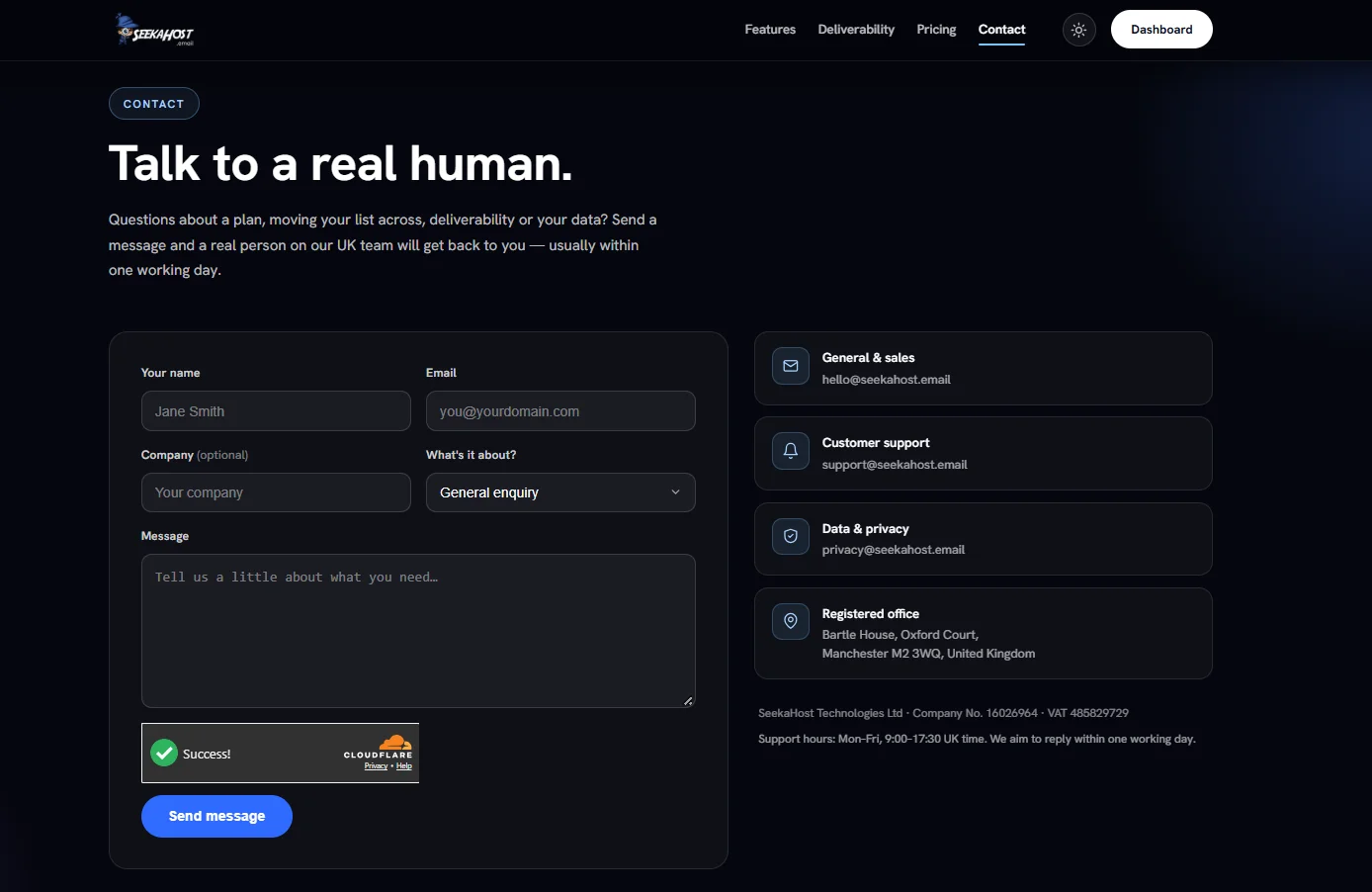
Filling in the form
- Your name and Email - required.
- Company - optional.
- What's it about? - General enquiry, Sales & pricing, Technical support, Billing, Moving from another platform, Data & privacy, or Something else.
- Message - tell us what you need.
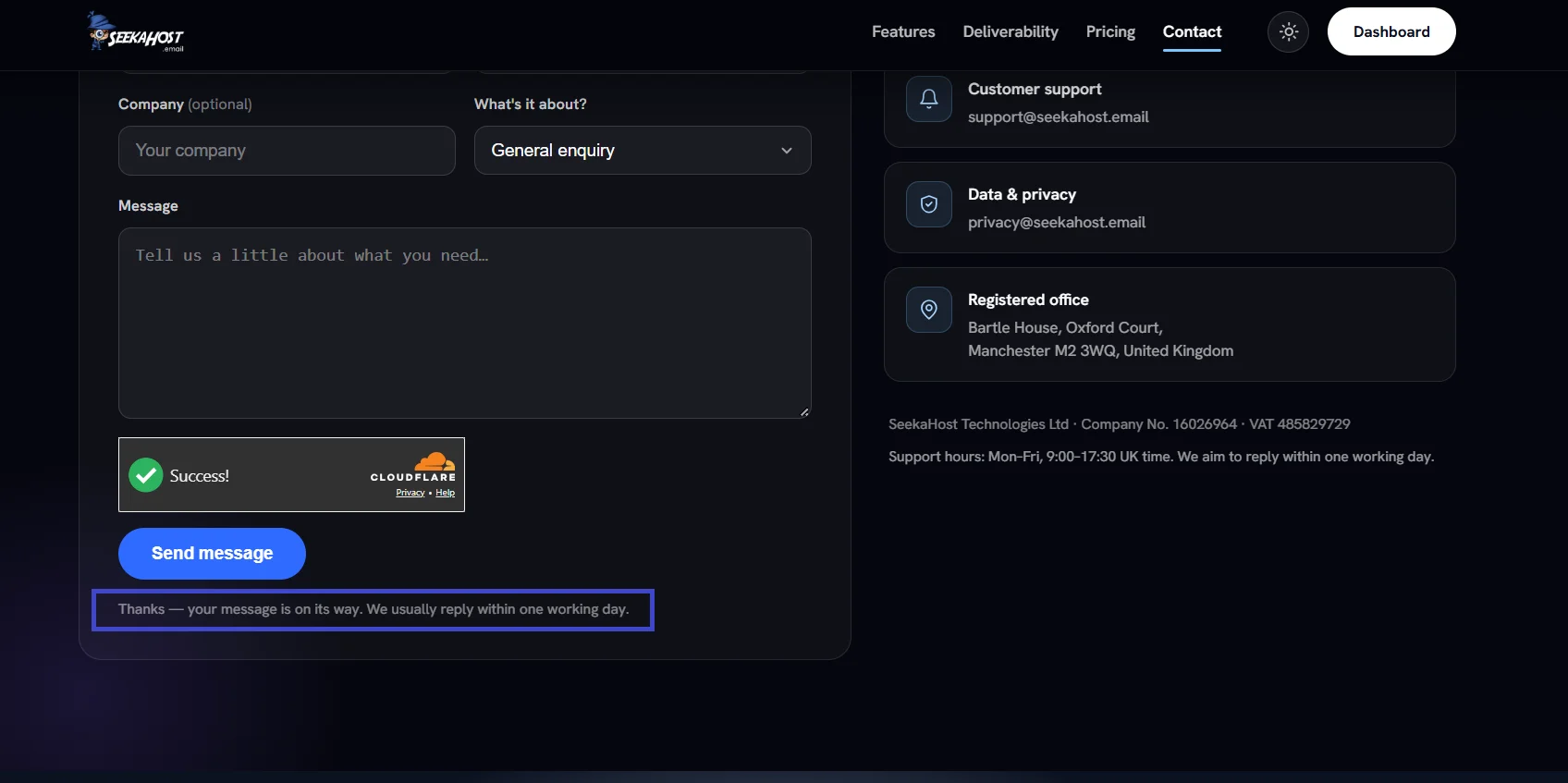
A quick verification check runs before Send message becomes clickable - there's nothing to fill in for it, it just confirms you're not a bot.
Other ways to reach us
The same page lists a few direct email addresses depending on what you need:
- General & sales - hello@seekahost.email
- Customer support - support@seekahost.email
- Data & privacy - privacy@seekahost.email
Support hours are Monday to Friday, 9:00–17:30 UK time, and we aim to reply within one working day.
After you send it
Your message goes straight to our team's inbox - it isn't a support ticket, so it won't show up in your portal if you have an account. Any reply comes back to the email address you entered, directly in your own inbox.