
Sign-in can fail for a few different reasons, depending on which step it happens at. Here's what each one means and what to do about it.
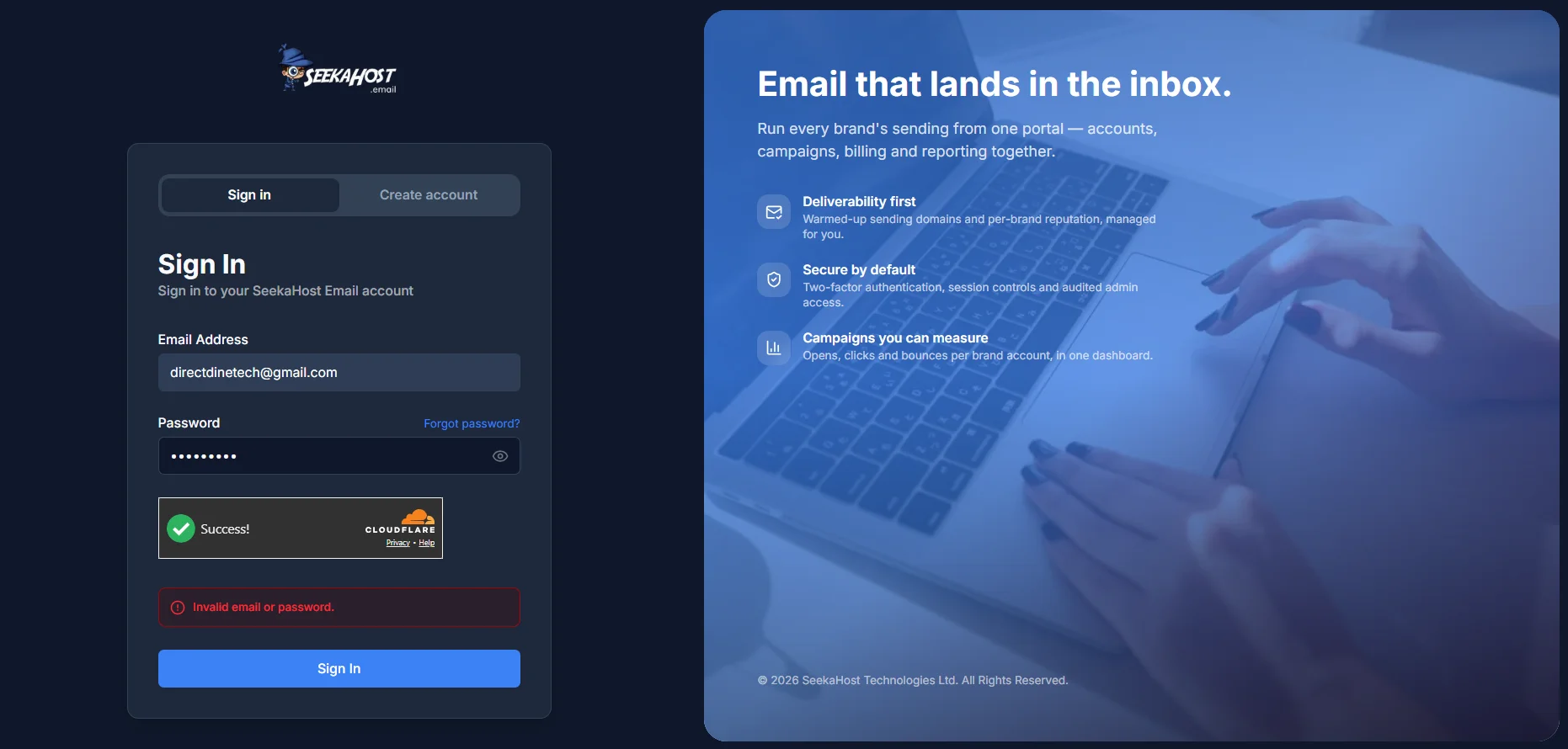
Wrong email or password
If we don't recognise the email at all, you'll see "We couldn't find an account with that email." If the email's right but the password isn't, it's "Invalid email or password." Either way, double-check for typos first - if you're still stuck, reset your password below.
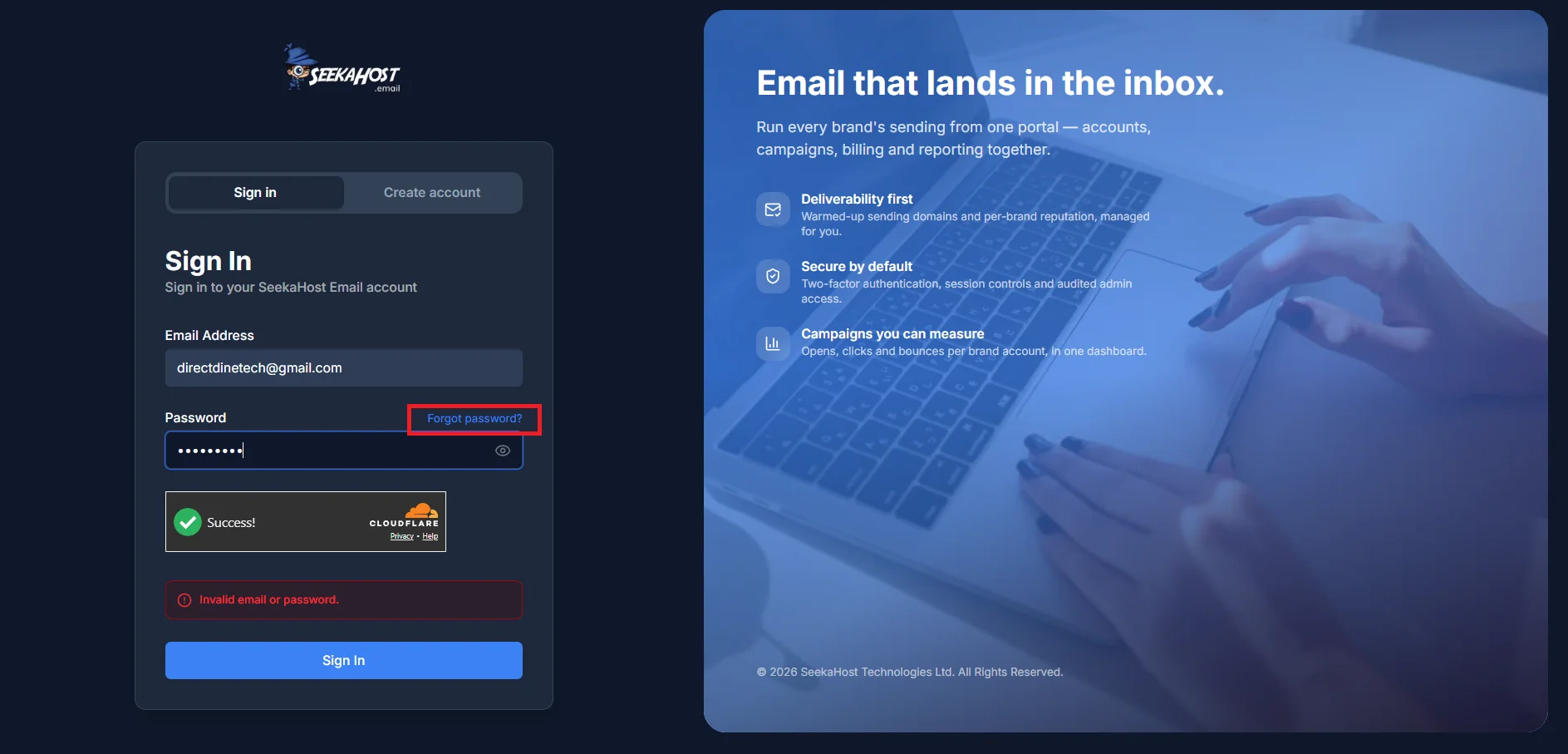
Resetting your password
Use Forgot password on the sign-in page. We'll email you a reset link if that address is on an account - it stays valid for 60 minutes. One thing worth knowing: resetting your password automatically signs you out of every other device and session, as a security measure.
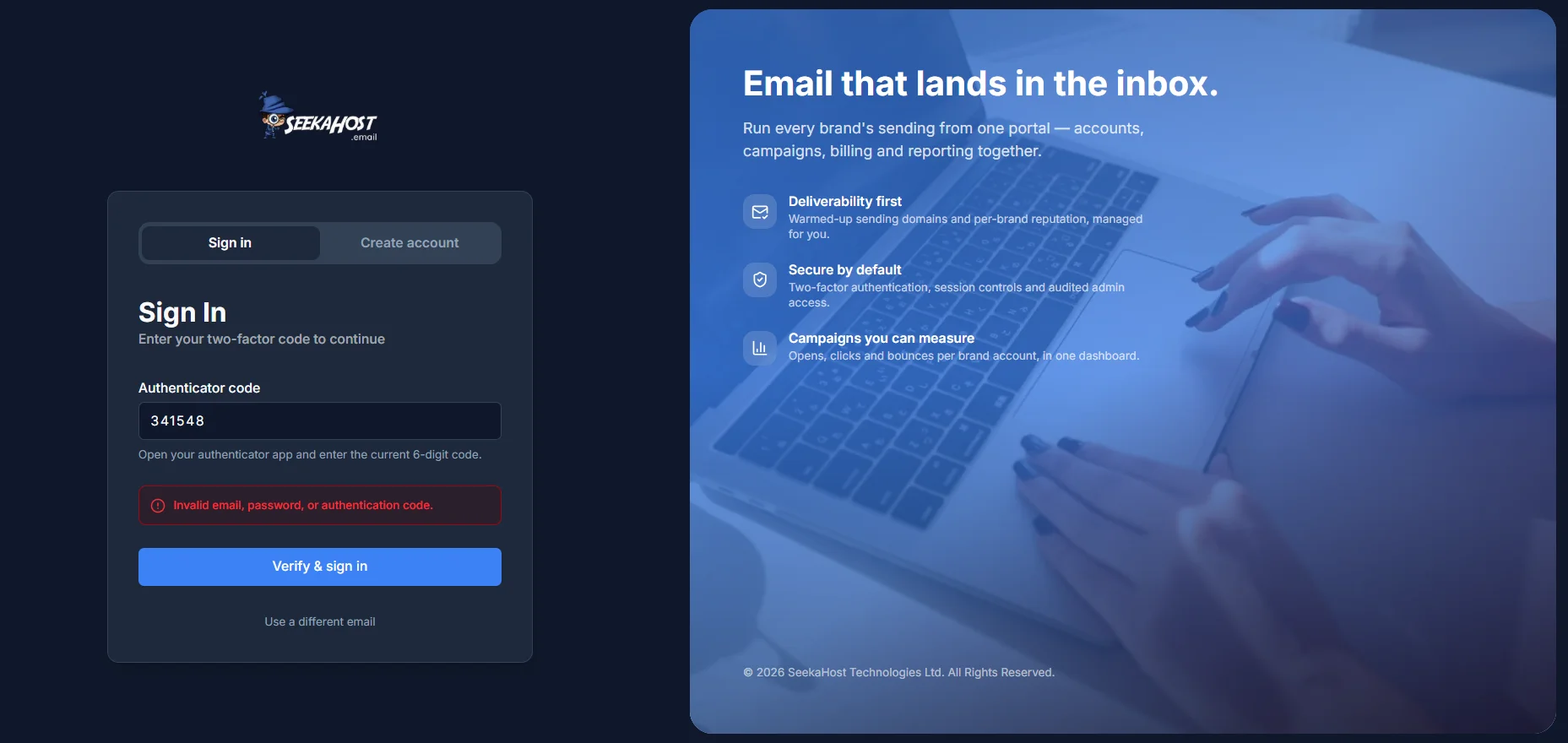
Two-factor authentication code
If you've turned on two-factor authentication from Settings → Security, you'll be asked for a code from your authenticator app right after your password is accepted. A wrong code shows a generic error rather than saying specifically what's wrong, by design. If you've lost access to your authenticator app, contact support so we can help you back in - there's currently no self-serve way to bypass this step.
Too many attempts
After several failed tries, you'll see "Too many attempts. Please try again later." This isn't a permanent lock - it clears itself after a short wait, there's nothing to unlock manually.