
Once a campaign's been sent, there are three places to check how it did - a quick glance in your campaign list, a dedicated reports page listing every send, and each campaign's own full report.
Quick stats in your campaign list
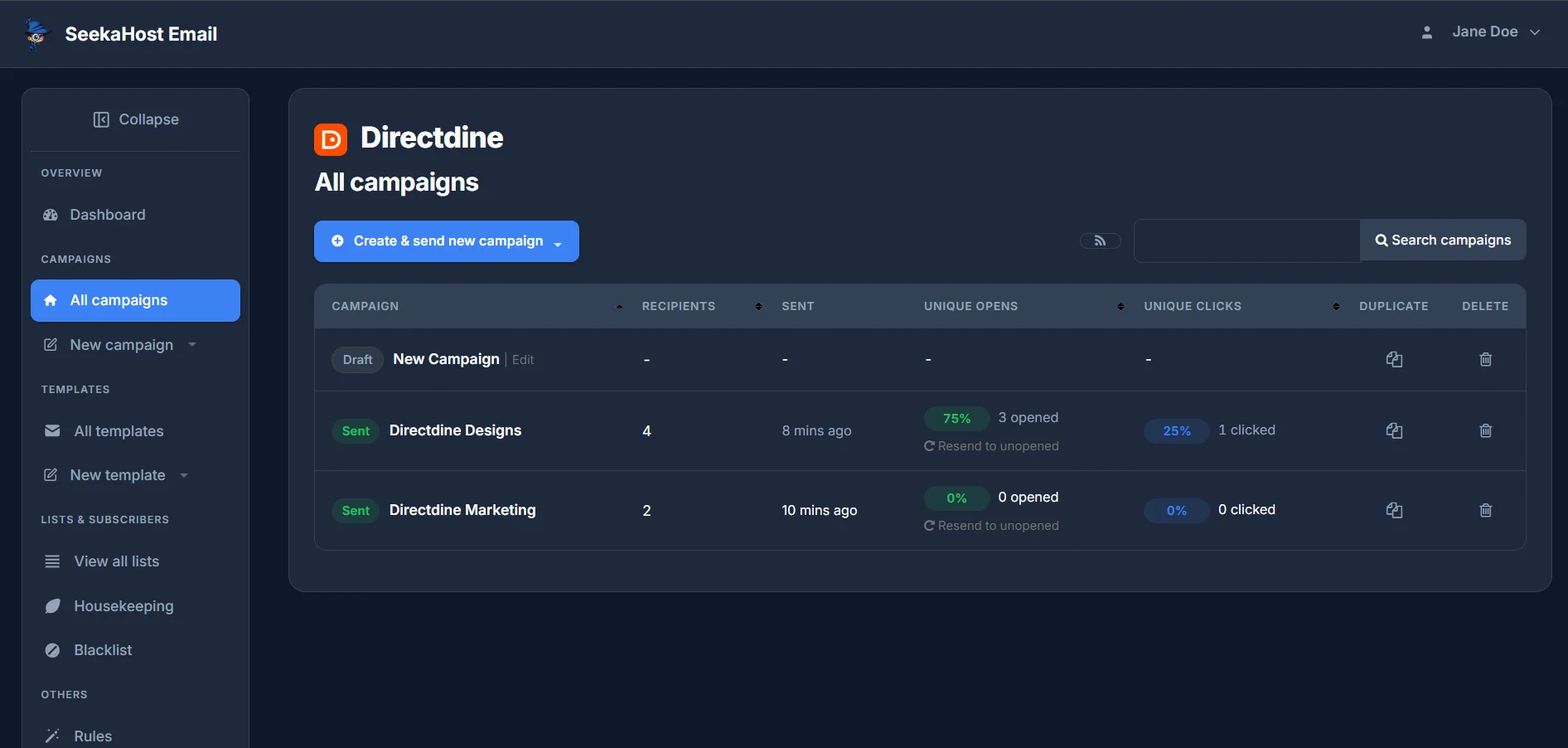
All campaigns shows every campaign you've built, Draft or Sent. Once one's sent, its row fills in with how many Recipients it went to, when it was Sent, and its Unique Opens and Unique Clicks - each shown as a percentage with the raw count underneath.
The Campaign reports page
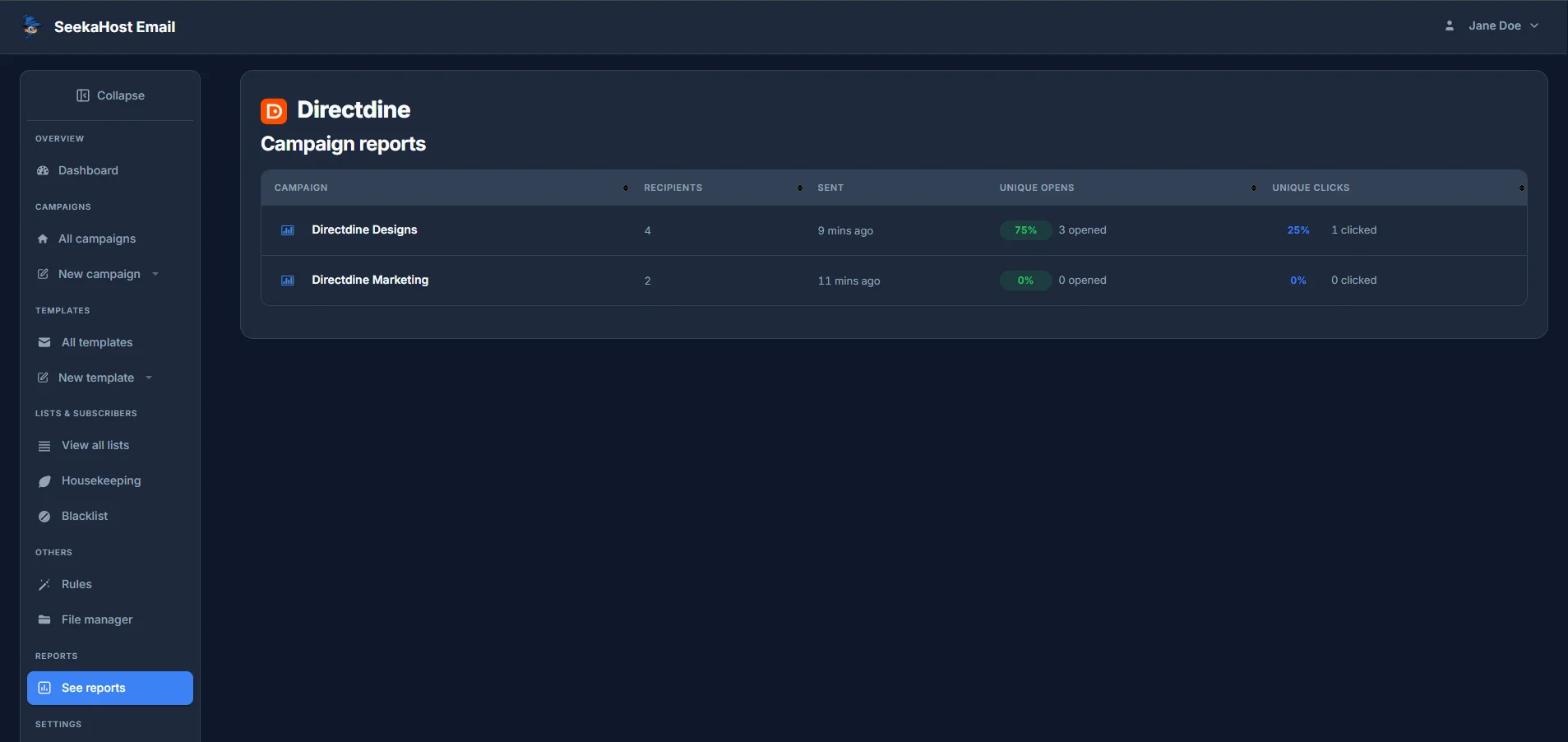
Reports → See reports in the sidebar lists the same headline numbers, but only for campaigns that have actually been sent - drafts don't show up here. Click any campaign in this list to open its full report.
The full campaign report
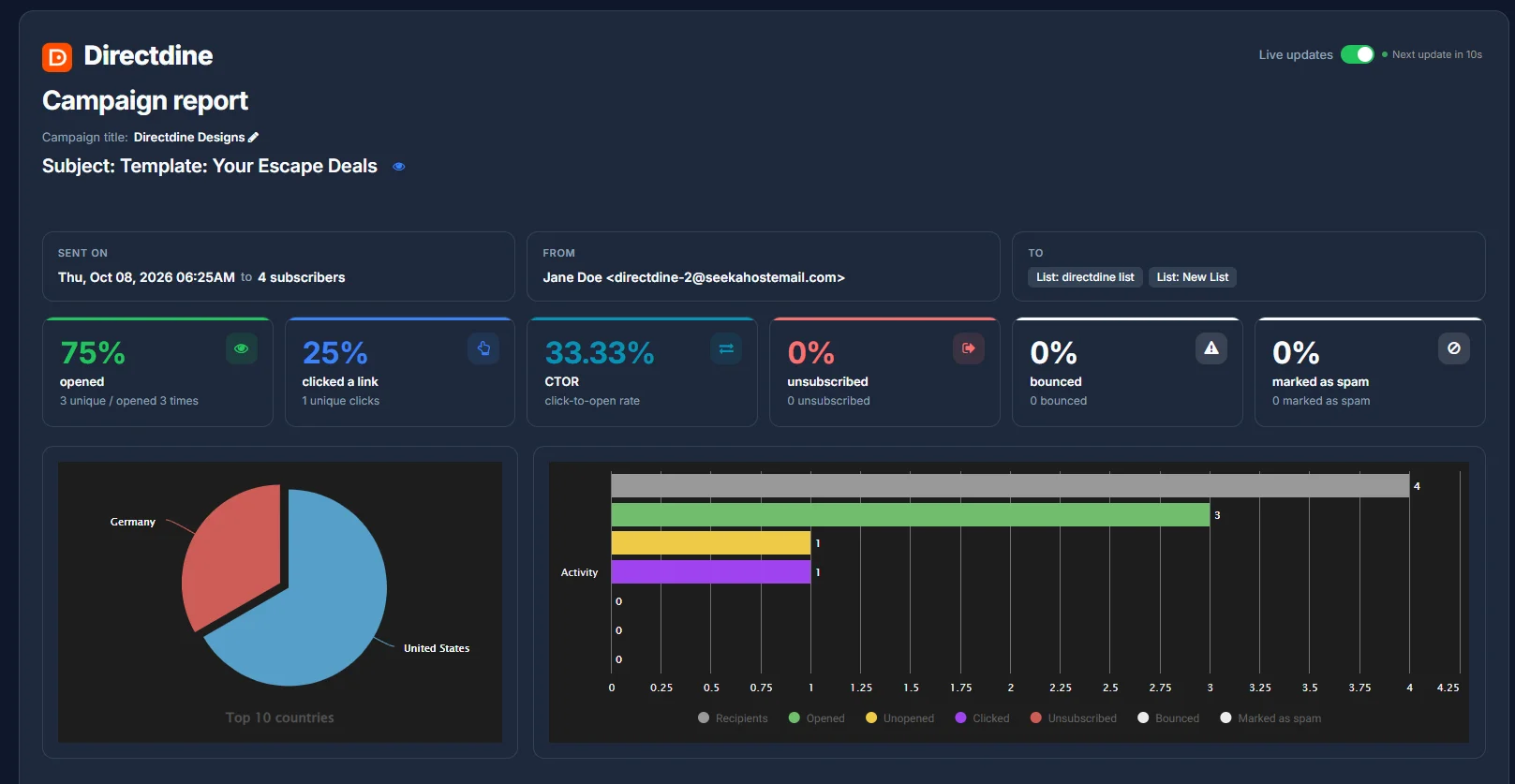
Opening a campaign's report starts with the basics - its title (editable right here), Subject (with a preview icon), when it was sent and to how many subscribers, who it was From, and which lists it went To. Live updates, toggled on by default, refreshes the numbers on its own - you'll see a countdown to the next refresh.
Below that, six headline stats, each as a percentage with the raw count underneath: opened, clicked a link, CTOR (click-to-open rate - the share of people who opened it that also clicked something), unsubscribed, bounced, and marked as spam.
Two charts round out the overview: a Top 10 countries pie chart showing where opens came from, and an Activity bar chart breaking recipients down into Opened, Unopened, Clicked, Unsubscribed, Bounced and Marked as spam.
The detail tables
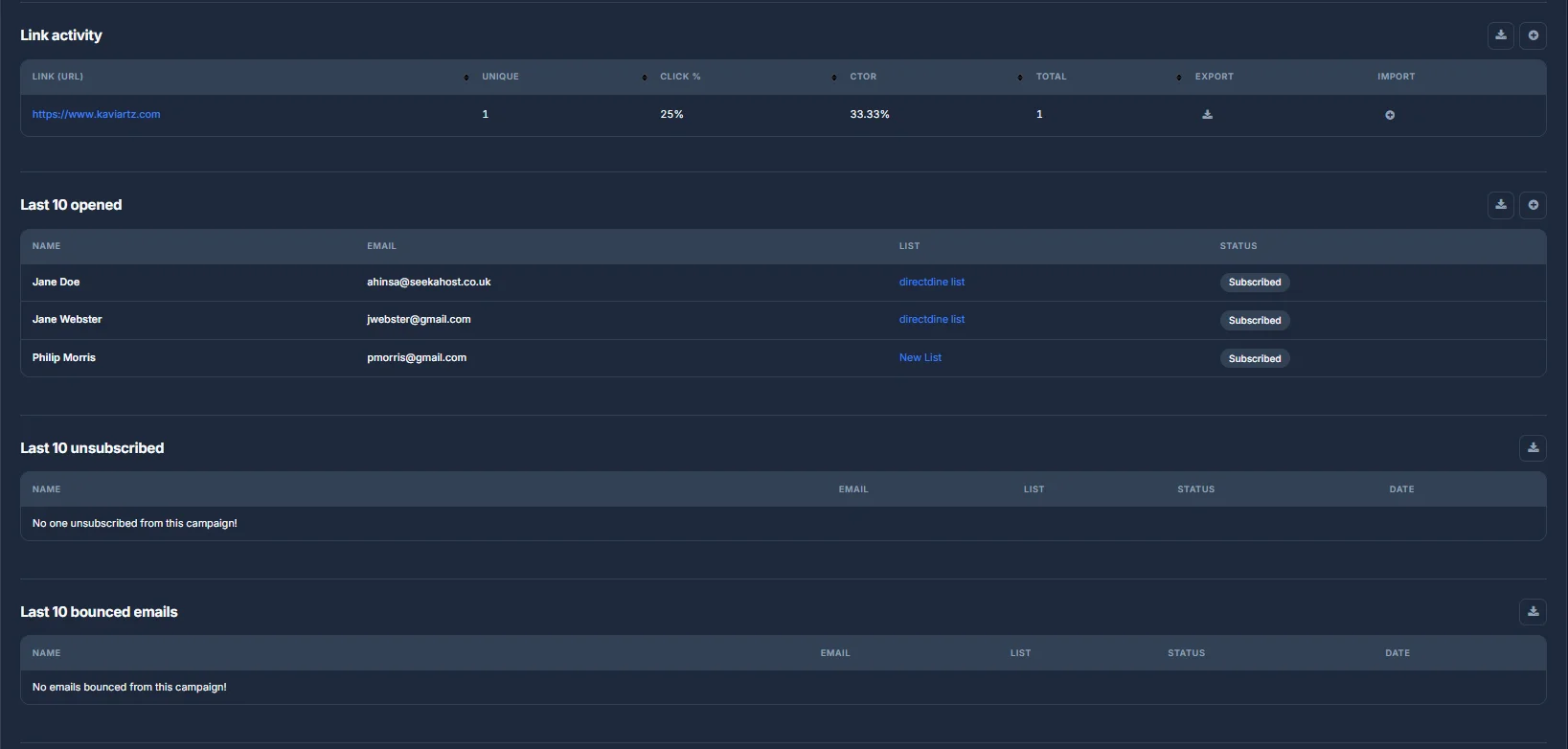
Further down, Link activity breaks down every link in the email separately - each URL with its own unique clicks, click percentage, CTOR and total clicks, plus Export and Import actions for that link's data.
Below that, three more tables: Last 10 opened, Last 10 unsubscribed and Last 10 bounced emails, each listing the subscriber's name, email, list and status - or a plain message like "No one unsubscribed from this campaign!" when there's nothing to show. Each table can be exported on its own.
Resending to people who haven't opened it
Underneath a sent campaign's stats in All campaigns, Resend to unopened sends that same campaign again, this time only to the subscribers who didn't open it the first time around - a quick way to give it a second chance without building anything new. The results feed back into the same reports as the original send.