Lists & Subscribers → Housekeeping bulk-removes subscribers who were never really engaging in the first place, keeping your lists made up of people who actually want to hear from you.
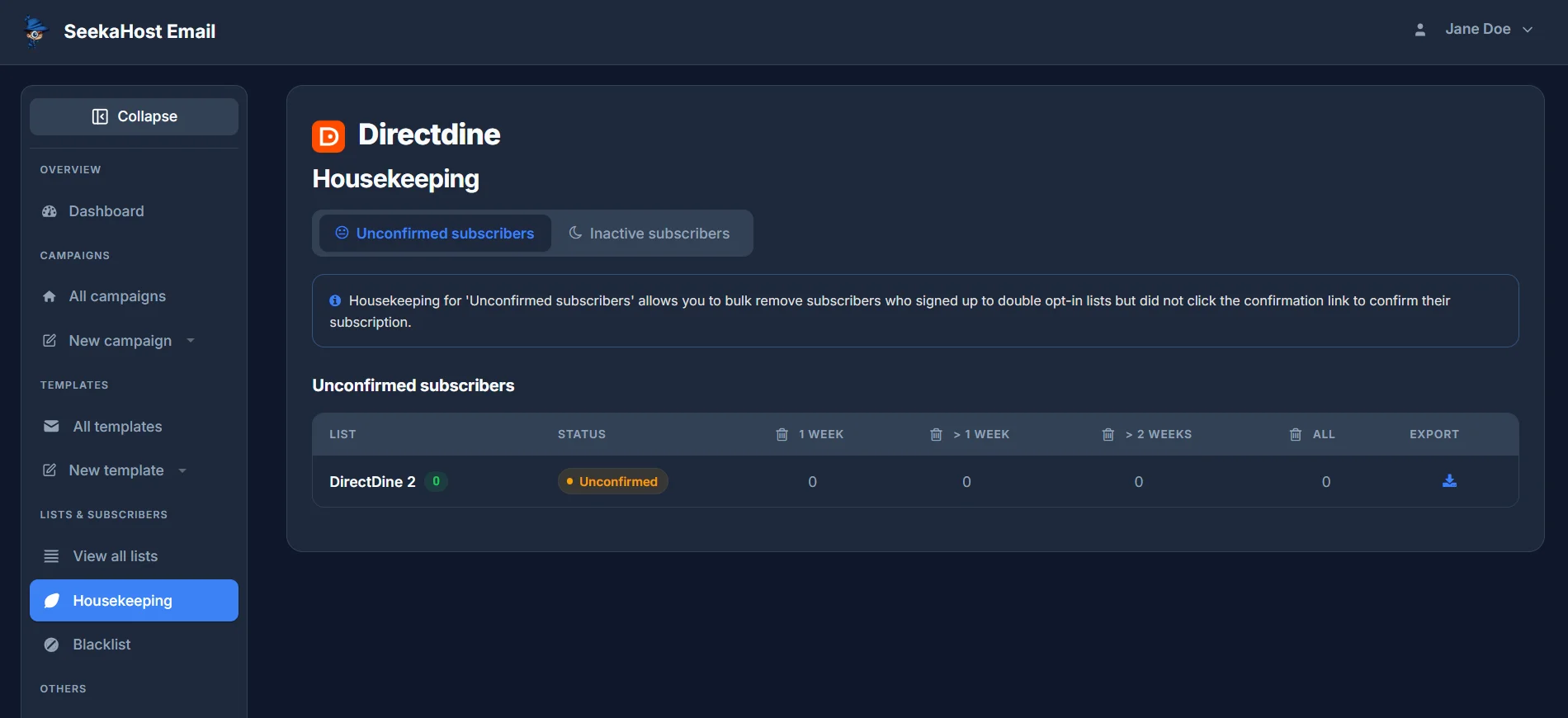
Unconfirmed subscribers
For lists using Double Opt-In, this bulk-removes anyone who signed up but never clicked the confirmation link - so they never actually subscribed. Each of your lists gets its own row, broken down by how long they've been sitting unconfirmed: 1 week, more than 1 week, more than 2 weeks, or all of them. Export downloads the addresses before you delete them, in case you want a record.
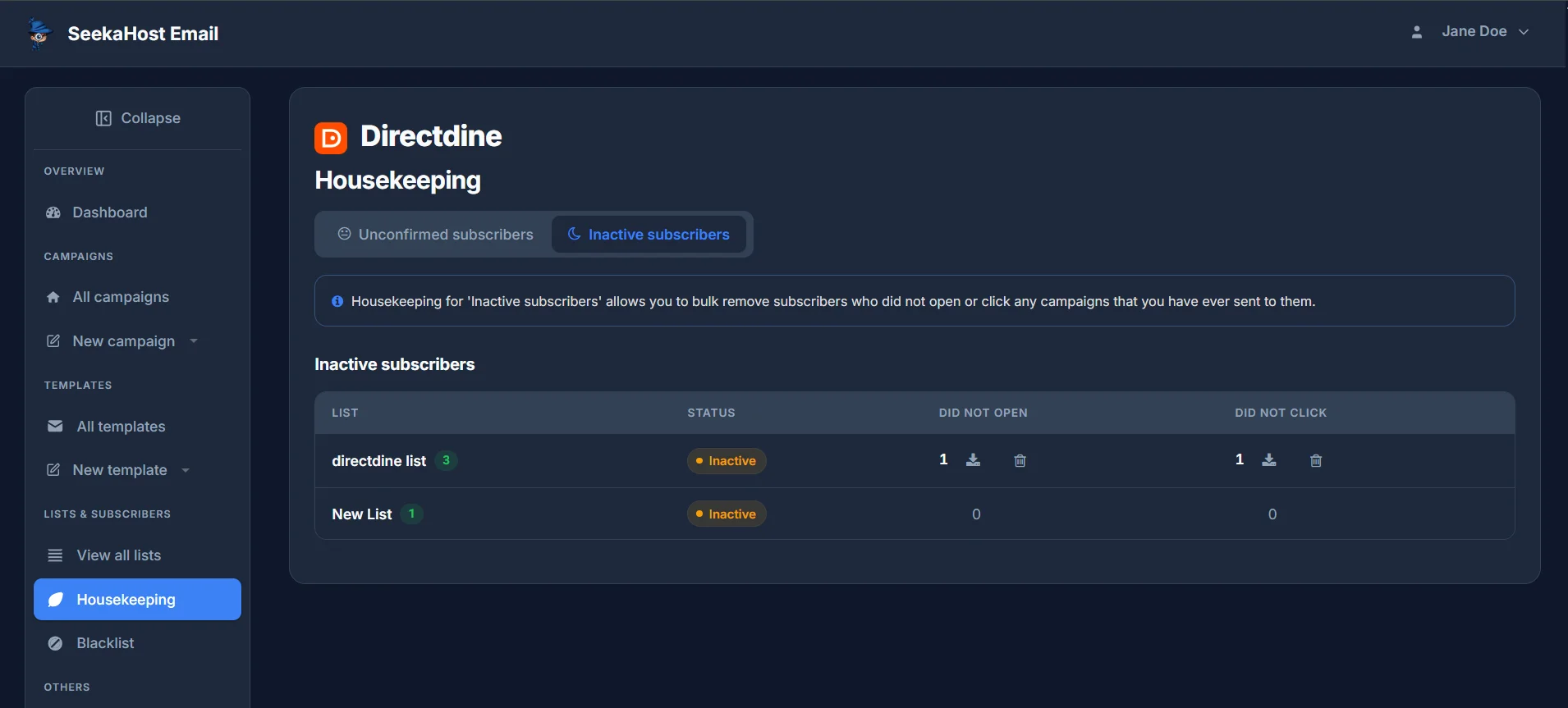
Inactive subscribers
This bulk-removes subscribers who have never opened or clicked any campaign you've ever sent them. Each list shows separate Did not open and Did not click counts, each with its own export and delete action, so you can clear one without touching the other.