
You don't need to be locked out to change your password - you can update it any time from Settings → Security.
Updating your password
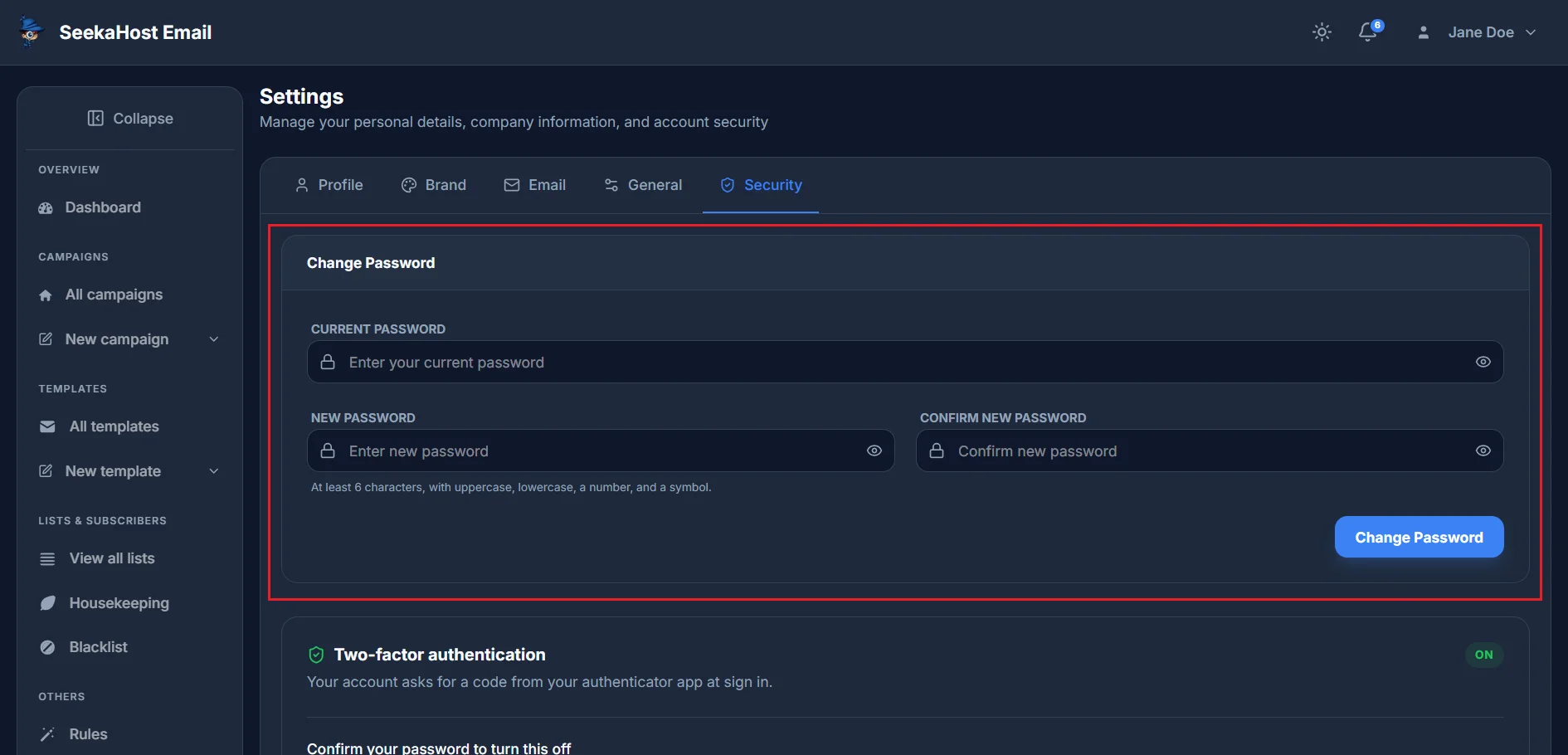
Enter your current password, then your new one twice to confirm it. It needs at least 6 characters, with uppercase, lowercase, a number and a symbol. Click Change Password once you're done.
One thing worth knowing: changing your password this way signs you out of every other active session, as a security measure.
Can't sign in to get to Settings in the first place? How to reset a forgotten password →