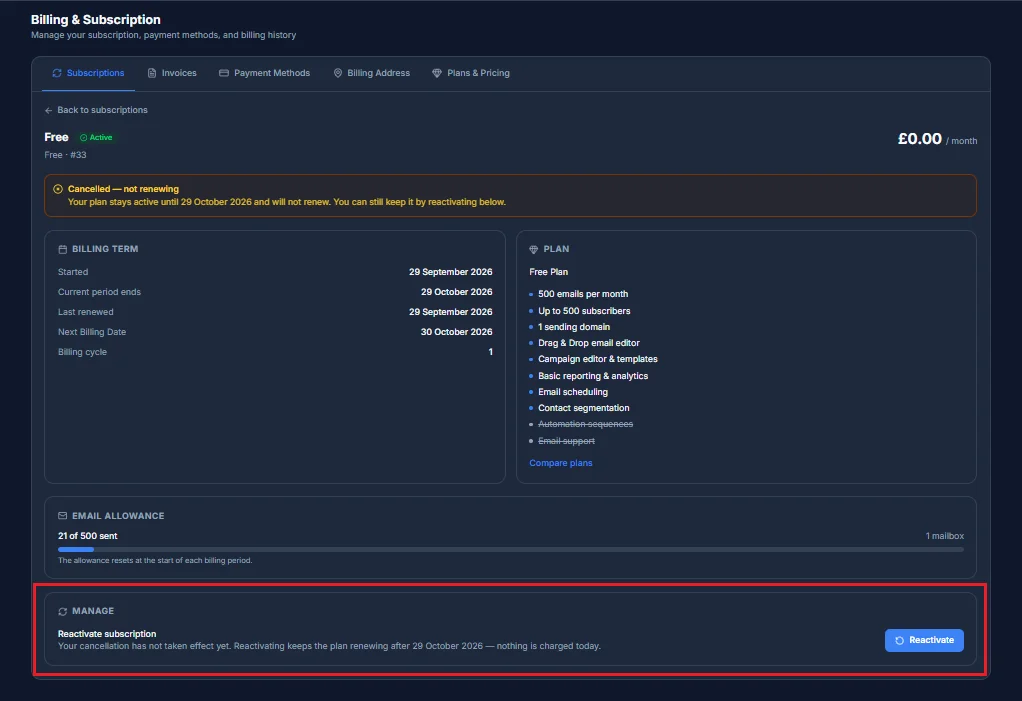
You can cancel your subscription at any time from the subscription's own page in Billing. This is also how auto-renewal is turned off - there's no separate switch for it today, Cancel is that action.
What cancelling actually does
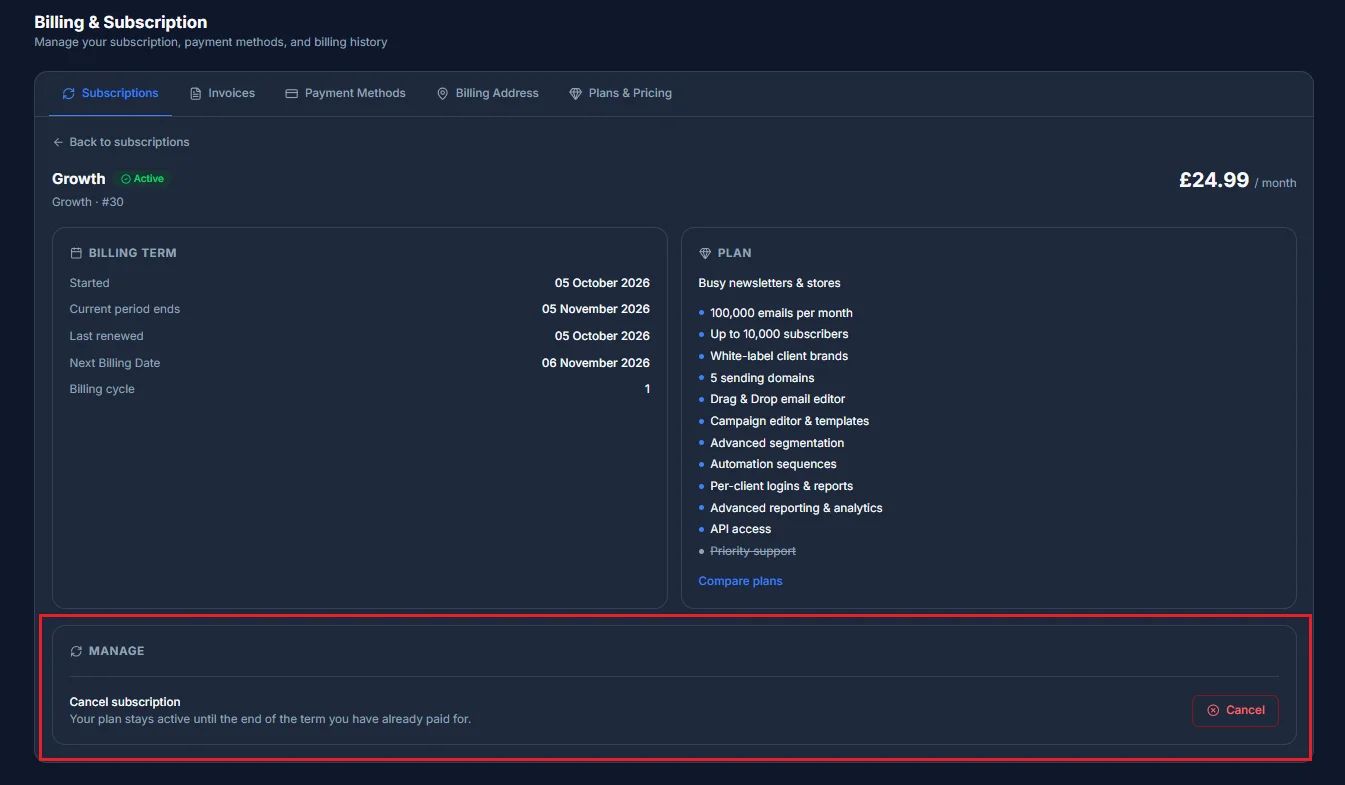
Open the subscription from Billing → Subscriptions and find Cancel subscription under Manage, near the bottom of the page. Cancelling doesn't cut you off immediately - it turns off auto-renewal and keeps everything working exactly as it is until your current term ends, you just won't be charged again after that. A confirmation step before it's final states plainly that no refund is issued for the time remaining.
What happens to your sending
Once your term actually ends, sending is suspended - your allowance is zeroed out, your email addresses are paused, and your sending domains are marked suspended. Nothing about your setup is deleted or un-verified, though, so if you come back later nothing needs to be re-verified from scratch.
What happens to your data
Your campaigns, subscriber lists and templates are kept, not deleted, when a subscription lapses.
Changing your mind
You can reactivate at any point before your term actually ends - this undoes the cancellation and turns auto-renewal back on, and needs a payment method on file to do it. Once your term has fully lapsed, reactivating isn't possible any more; you'd pick a plan again from Plans & Pricing instead.